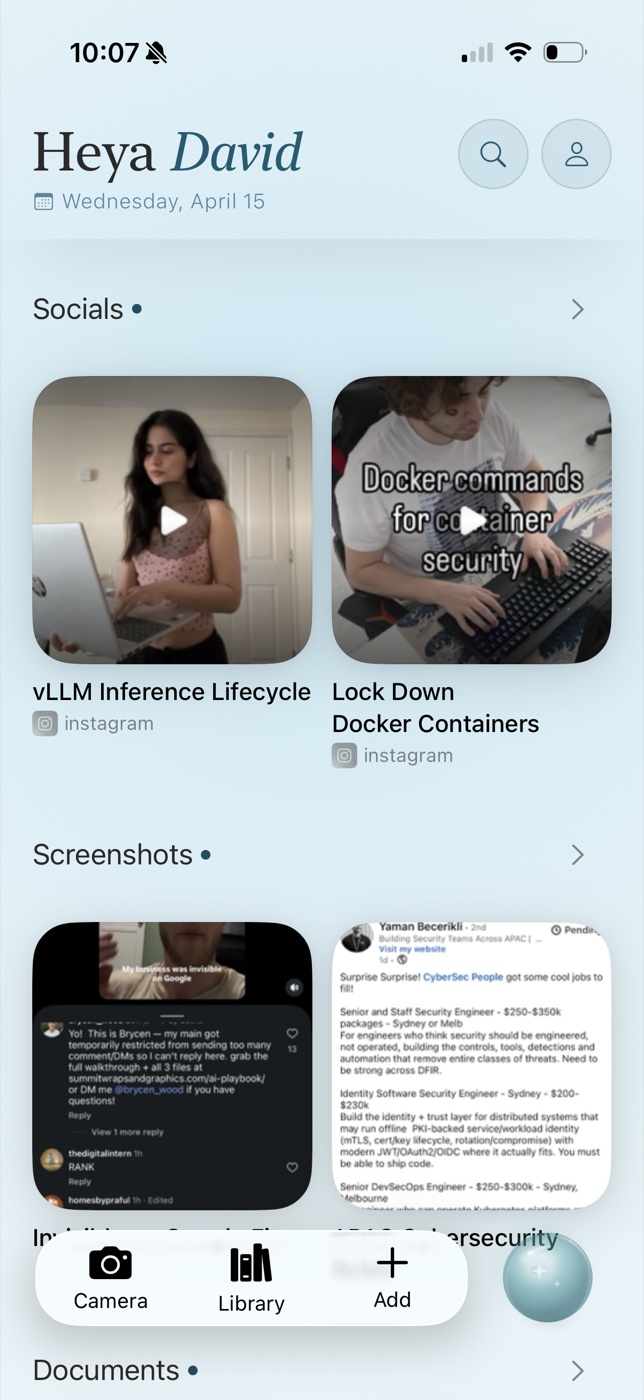
The mixed-content problem
Useful information no longer arrives in one format. A project may begin with a message, continue in a browser tab, pick up a TikTok demonstration, and end with a photographed whiteboard. Saving each item to its native platform creates several searchable islands.
The cure is not necessarily more organisation. It is a shared capture path and enough metadata to retrieve the item later.
Use the share sheet as the front door
On iPhone and iPad, the share sheet is the closest thing to a universal capture interface. A good destination should accept a page from Safari, a post from a social app, a PDF from Files, and an image from Photos without forcing a context switch.
Add a short note only when your future self needs the reason you saved something. “For launch pricing” is more useful than five generic tags. The source title, URL, timestamp, and extracted text should be automatic.
Pick the right destination
Choose Raindrop.io for a durable cross-platform bookmark library with collections and full-text search. Choose Readwise Reader when reading, highlighting, and review are central. Choose Notion when items need properties, workflows, or collaboration. Choose OwnMynd when capture happens mainly on iOS and you want to retrieve mixed content through natural questions.
Social platforms can remove or restrict posts, so preserve a screenshot or note for anything important. A link alone is not an archive.
Review less, retrieve better
Traditional inbox systems prescribe a weekly filing ritual. That remains useful for tasks, but reference material can often stay in an unfiled semantic index. Review only to delete expired material, promote valuable insights, and verify that important records exist in an appropriate permanent system.
The test is simple: ask three realistic questions after a month. If you can find the source quickly, the system works even if it has almost no folders.
Try recall without the filing
OwnMynd AI is a private memory app for iPhone and iPad. Save screenshots, links, notes, documents, and social content, then retrieve them with the source attached.
View on the App StoreFrequently asked questions
Can OwnMynd save Instagram and TikTok posts?
OwnMynd is designed to receive social content through the iOS share sheet and retain available caption, link, and context.
What if a social post is deleted?
A URL may stop working. Save a screenshot or your own notes when the content is important and respect copyright and privacy.
Should tasks and references live together?
Usually not. Put commitments in a task manager; keep supporting material in a reference or memory system and link between them.
Research sources
Product capabilities were checked against official pages from mymind, Recall, Fabric, Raindrop.io, Obsidian, Notion, Zotero, Readwise Reader, Evernote, and OneNote. Comparison structure was also reviewed against NotePlan's Notion alternatives and Obsidian alternatives guides. Features and pricing can change; verify critical details with the provider.
Continue reading
- The Best iOS Apps for Organizing Research and Reference Material
- The Best Evernote Alternatives in 2026
- The Best Notion Alternatives in 2026
Editorial note: Product capabilities change. This guide was reviewed against public product information available on 14 June 2026. We identify where OwnMynd is and is not a suitable choice.